Scriptly Helps Pharmacies Identify Trends in Real Time with Reveal

Explore the complete guide to embedded analytics, including architecture, security, AI capabilities, implementation patterns, and evaluation criteria for modern applications.
Read Now
Fully branded white label dashboards offer custom personalization so that your customers can present a holistic service that is all branded to one company.
Read Now
Slow BI and dashboards reduce Saas adoption, retention, and revenue. Users explore less, export more, and stop treating analytics as core to their workflow. The impact spreads from engagement metrics to expansion revenue and churn risk. High-performance embedded analytics requires deliberate architecture: intelligent caching, workload separation, and concurrency planning. Teams that design for performance early protect user trust and turn analytics into a competitive advantage.
 Casey Ciniello
9min read
Casey Ciniello
9min read
Executive Summary:
Key Takeaways:
Users expect immediate responses across every tool they use. Most AI tools can answer in under 3 seconds; your dashboards should too. No hesitation. No interruptions of their fast-paced workflow. When a slow dashboard makes them wait, your product seems irrelevant, outdated, and useless.
You can build advanced features and add AI capabilities. None of that matters if slow BI breaks momentum. When embedded analytics is inside your product, users adapt. They click less. They export data. They stop treating analytics as part of their daily workflow. Over time, that shift affects adoption and how customers evaluate your platform.
Product analytics often follow a predictable curve. A new reporting feature launches, usage spikes, then engagement declines over time. Teams assume interest fades. In many cases, a slow dashboard drives that drop.
Users rarely submit complaints about slow BI. They adjust their behavior instead. The first impact appears in interaction depth. Users apply fewer filters. They avoid multi-step drilldowns. They stop switching between dashboards during a session. When dashboard load time exceeds expectations, exploration shrinks. Dashboard load time stretches a few seconds longer.
That shift creates measurable product impact:
Slow BI rarely breaks overnight. It gradually reduces the role analytics plays in your product. Once analytics adoption weakens, the financial consequences follow.
You can tolerate minor friction in your product, but you cannot ignore revenue signals. Slow BI does not show up as a system failure. It shows up as declining expansion, longer sales cycles, and harder renewal conversations. A slow dashboard quietly reduces the value customers assign to your analytics.
Support and engineering teams often feel the pressure first. Customers report that dashboards “feel off” or “take too long.” Engineers spend cycles tuning queries instead of building roadmap features. BI performance becomes a reactive task instead of a strategic advantage.
The business impact compounds over time:
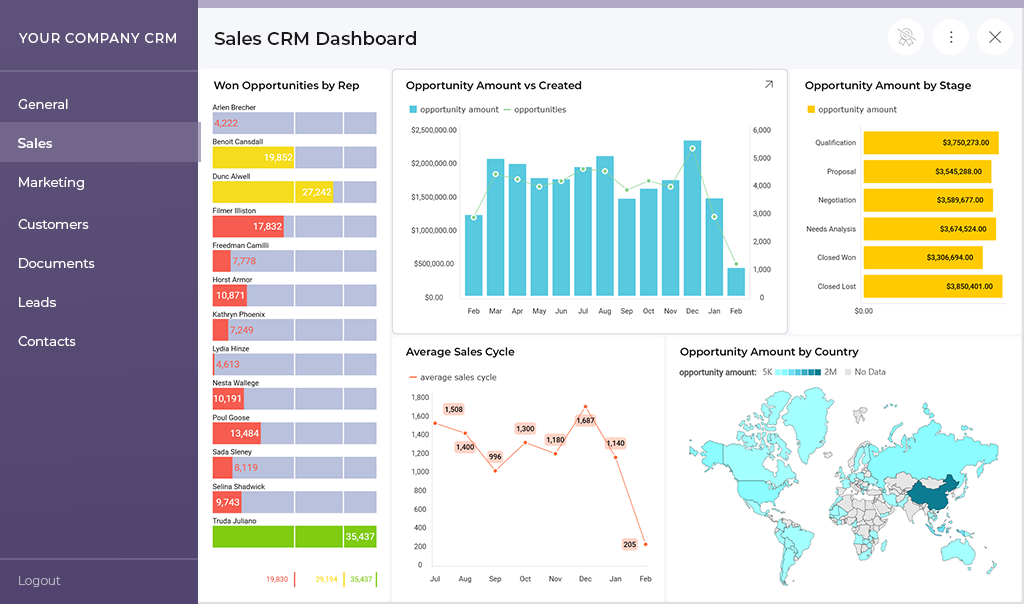
Analytics often plays a central role in customer retention with embedded analytics and long-term data monetization strategies. Slow BI carries measurable financial risk. For example, research shows that even a one-second delay in load time can cut conversions by up to 7%, and longer delays can drive bounce rates as high as 90%. Organizations that adopt real-time analytics see up to 15% higher revenue growth and 23% greater efficiency compared with those relying on delayed insights. When slow BI weakens confidence, it weakens revenue leverage and decision velocity. To address that risk, you need to understand where dashboard performance actually breaks down.
Teams blame data size when dashboards slow down. Large datasets do create pressure, but they rarely cause slow BI on their own. Architecture decisions usually create the first cracks. A slow dashboard often reflects how analytics was integrated, not how much data you store.
Many products treat reporting as an add-on. Teams bolt analytics onto existing systems without redesigning query flow. These embedded analytics integration challenges create hidden bottlenecks. When dashboard load time increases, the root cause is often in the workload design.
Common failure points include:
Complexity increases when you connect multiple data sources. Each additional system introduces latency and synchronization overhead. Without a scalable analytics architecture, slow BI becomes predictable as your product grows.
BI performance rarely collapses overnight. It degrades gradually as usage expands. To fix slow dashboards, you need to design for performance from the start.
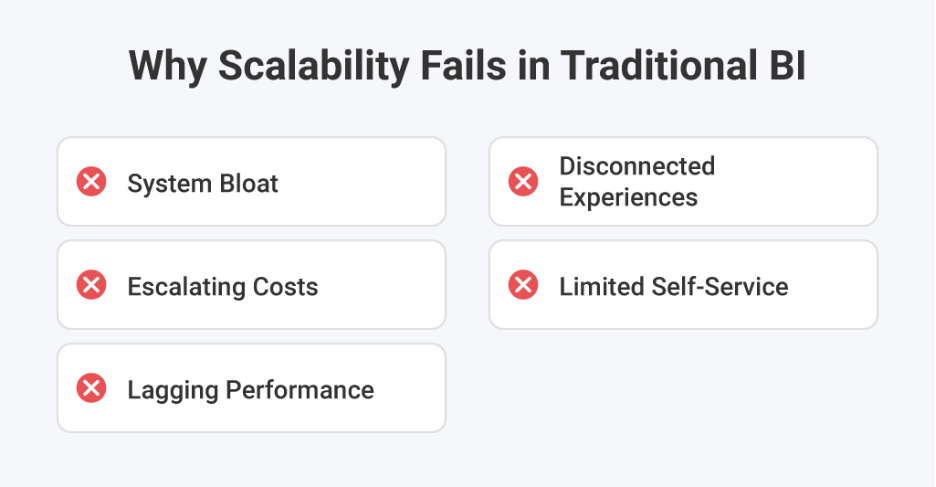
When teams diagnose a slow BI rollout, the pattern looks familiar. Someone adds indexes, bumps memory, and tunes a few dashboards. It helps for a week. Then usage grows, and the slow dashboard returns. High-performance platforms avoid that cycle through design choices you can verify.
Fast platforms isolate interactive queries from background jobs. They do not let scheduled refreshes compete with live user clicks. They separate real-time and historical workloads. This protects BI performance during peak hours. If every request hits the same path, dashboard load time becomes unpredictable as traffic grows.
Caching only works when it matches user behavior. Most SaaS users ask similar questions across roles and accounts. High-performing platforms cache repeated query results and pre-aggregate common metrics. This reduces database pressure and stabilizes dashboard load time. It also prevents slow BI from resurfacing during traffic spikes.
Effective patterns include:
Many performance tests assume one active user. Real products rarely operate that way. According to Reveal’s 2026 survey, 76% of companies already use embedded analytics. As analytics becomes core to daily workflows, concurrent usage is no longer occasional. Your customers open dashboards at the same time, especially during reporting cycles.
High-performing platforms plan for concurrency and tenant isolation. They control query fan-out and cap worst-case latency. Without architectural safeguards, one traffic spike can trigger a slow dashboard across multiple accounts. Designing for concurrency protects performance as adoption grows.
AI increases unpredictability in analytics workflows. Natural language queries can generate complex aggregations and cross-filter logic. AI-powered analytics must respond quickly to maintain credibility. If the underlying system struggles, slow BI becomes more visible. Performance architecture must handle variable query patterns without degrading responsiveness.

Customer-facing analytics is part of your product interface. Users judge it the same way they judge navigation or search. Embedded analytics flexibility allows you to match your product’s look and feel. DIY custom data visualizations give you room to differentiate. Strongwhite-label analytics only deliver value when speed remains consistent. If customization slows the dashboard, the brand experience suffers.
We often see teams respond to slow BI by scaling infrastructure. They add more compute or upgrade databases. The improvement feels temporary. The slow dashboard returns under real usage. The root cause usually sits in architecture, not hardware.
Reveal was designed for customer-facing analytics from the start. It runs as a true SDK inside your application, not as an iFrame layered on top. That reduces overhead and avoids fragile integrations. Workloads are structured to support multi-tenant environments and user concurrency. Slow BI often emerges when analytics is bolted on. Reveal avoids that pattern through deliberate embedded design.
Reveal uses Redis as an intelligent caching layer between your data and your dashboards. Frequently requested queries do not hit the database every time. This protects dashboard load time during peak usage. It also prevents one heavy request from degrading the experience for others. When traffic increases, Redis helps absorb the pressure before it slows down the dashboard.
Many teams add AI features only to introduce slow BI unintentionally. Natural language queries can generate unpredictable workloads. Reveal’s AI analytics runs within the same governed architecture as the rest of the platform. It generates dashboard definitions instead of uncontrolled SQL. This keeps performance predictable and protects the user experience. AI should not create a slow dashboard when usage increases.
Scriptly helps pharmacies identify trends in real time using Reveal. Their users rely on responsive dashboards to monitor prescription patterns. Under concurrent usage, performance must remain stable. The system cannot tolerate slow BI during critical workflows. This use case validates an architecture built for live demand.
Performance cannot compromise control. Reveal aligns speed with analytics security and strict tenant isolation. It supports cloud and on-prem analytics deployments without redesigning the performance model. BI performance remains consistent across environments. A slow dashboard in a regulated setting carries a higher risk, so architecture must remain predictable.
Reveal embeds performance decisions into the platform layer. Teams avoid months of reactive tuning. They reduce time-to-market because performance does not require custom infrastructure work. Slow BI often reflects accumulated technical debt. With Reveal, performance is part of the foundation, not an afterthought.
This is how architecture turns performance from a liability into leverage. The final step is recognizing that speed is not a technical feature. It is a product strategy.
Many teams treat BI performance as a technical metric. They monitor response times and database load. They assign tuning to engineering. In reality, slow BI reflects product decisions that shape how customers judge your platform.
Users compare your experience to every other tool they use. They do not separate analytics from the rest of your interface. A slow dashboard signals instability. It suggests the system may struggle with growth. Even strong features lose credibility when performance feels inconsistent.
As a CTO, you set architectural priorities. You decide whether analytics runs as a core layer or as an afterthought. Preventing slow BI requires planning for concurrency, caching, and workload isolation early. It also requires aligning performance goals with retention and monetization objectives.
A slow dashboard rarely causes immediate churn. It changes how customers engage over time. Fast analytics builds confidence. Confident users rely on your product for decisions. That reliance drives adoption, expansion, and long-term growth.


Back to Top

 Return to Blog
 ChatGPT
 Perplexity